Troubleshooting LAUNCH XPROG5 connection failure to X431 PAD
Problem: I purchased a new LAUNCH XPROG5 (G5), but it cannot be used with the LAUNCH X431 PAD7 as an adapter; however, it connects normally when used as an ECU programmer via USB connected to my computer. I also have an older Xprog3 (G3), which connects normally to the X431 PAD7, indicating that the PAD7 itself is not faulty. Is the problem with the XPROG5 device?
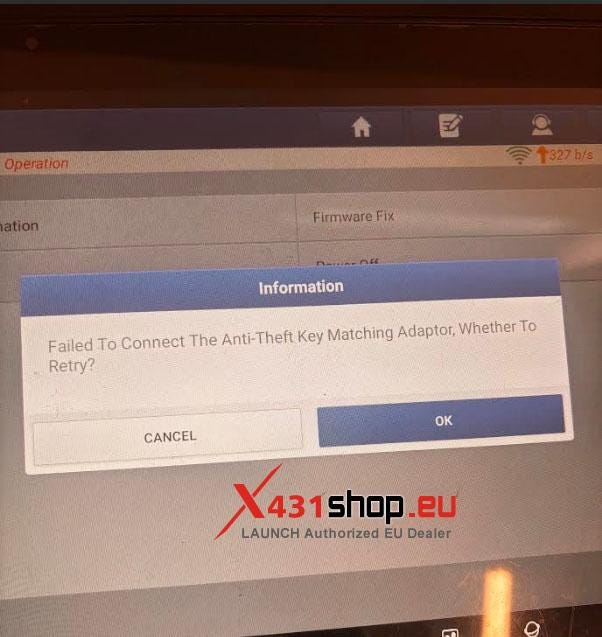
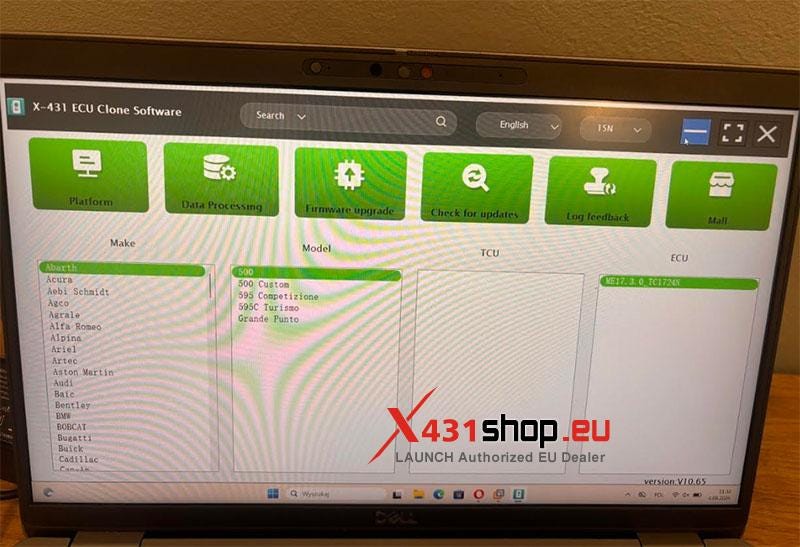
Solution: The XPROG5 is a new adapter released in 2026. If the X431 diagnostic software version is too low, it cannot be recognized. It is recommended to upgrade the X431 diagnostic software to the latest version and then connect the XPROG5 for diagnostics.
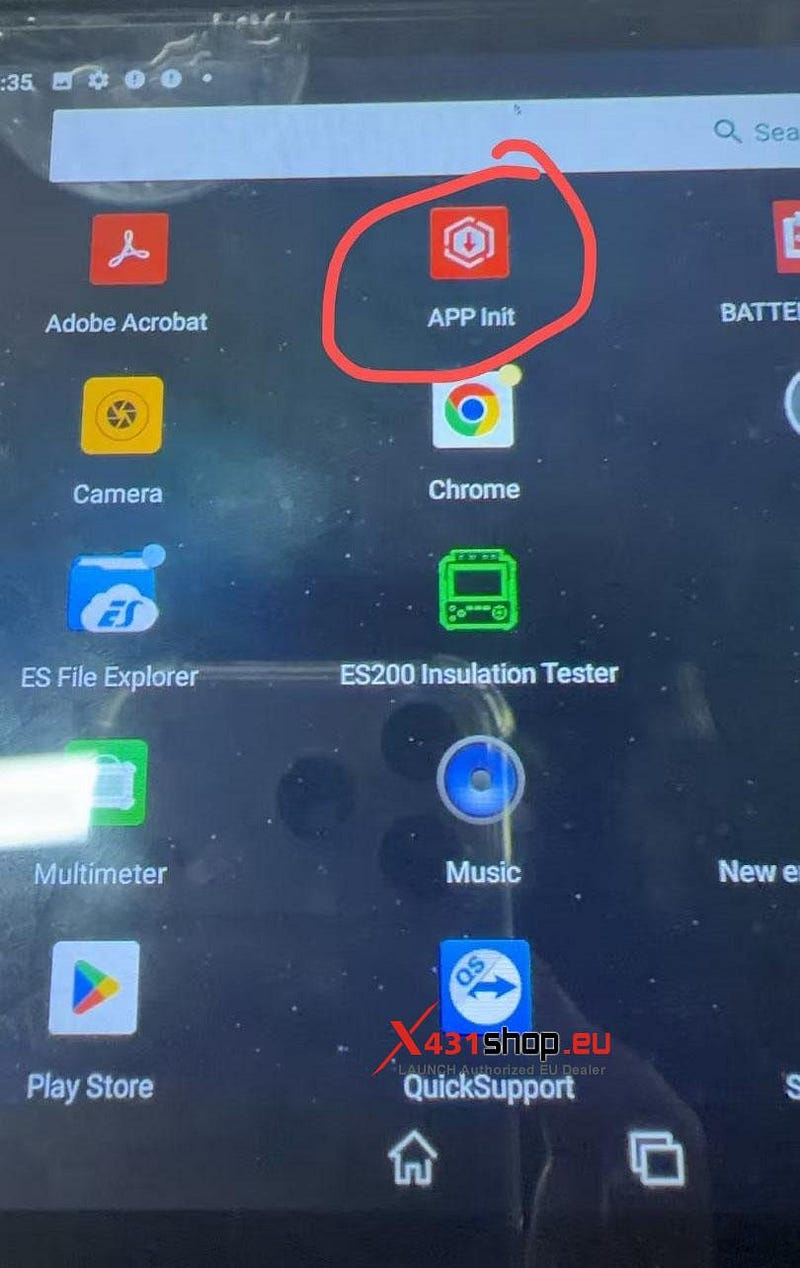
If you cannot update, it is recommended to uninstall the current application and then download the new software via the "APP Init" program on your desktop. (The correct software version should be V8.0 or higher.)


Comments
Post a Comment