LAUNCH SmartLink B Remote Diagnostics: BMW 5 Series Cold Start Rough Idle
If you own a 2019 BMW 5 Series and experience unstable idling during cold starts, and you lack professional diagnostic equipment to troubleshoot the problem yourself, you can resolve this issue by requesting remote diagnostics from a professional technician if you have a LAUNCH SmartLink C device with remote diagnostics enabled. This article will explain how to resolve the unstable idling issue during cold starts in a BMW 5 Series from the perspective of a LAUNCH SmartLink B-end technician.
Repair Approach: Generally, this problem can be solved by upgrading to the latest version of the engine control program. Older software versions may not accurately control the engine, leading to unstable idling. After upgrading to the latest version, the engine will run smoothly and stably.
Operation Procedure:
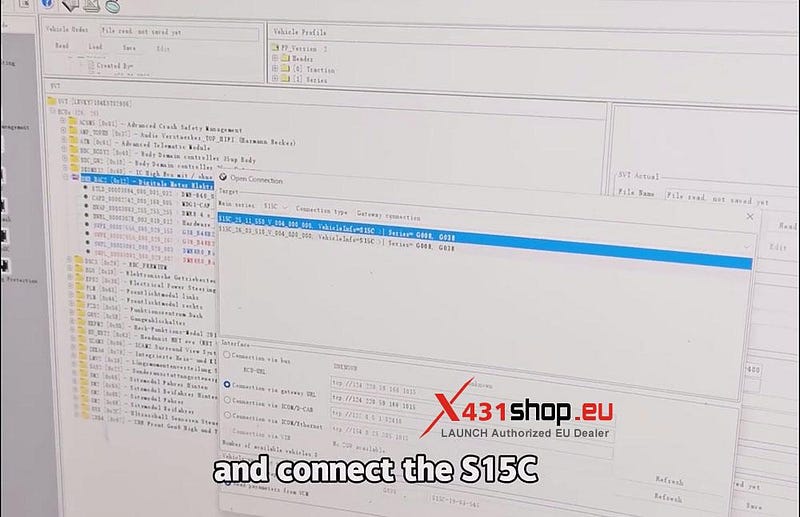
First, SmarLink C needs to connect to the vehicle. Remote diagnostic technicians will use professional BMW software to perform diagnostics. Select the BMW model and connect the S115C.
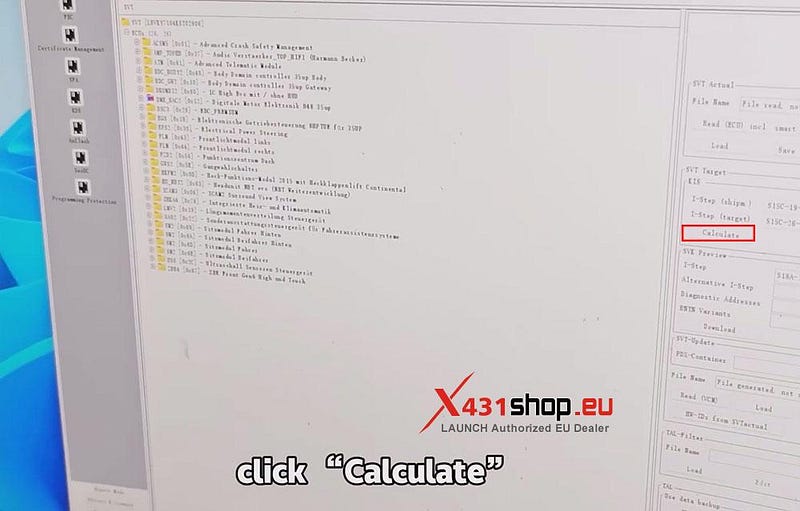
Next, read the ECU. After the reading is completed, click [Calculate].
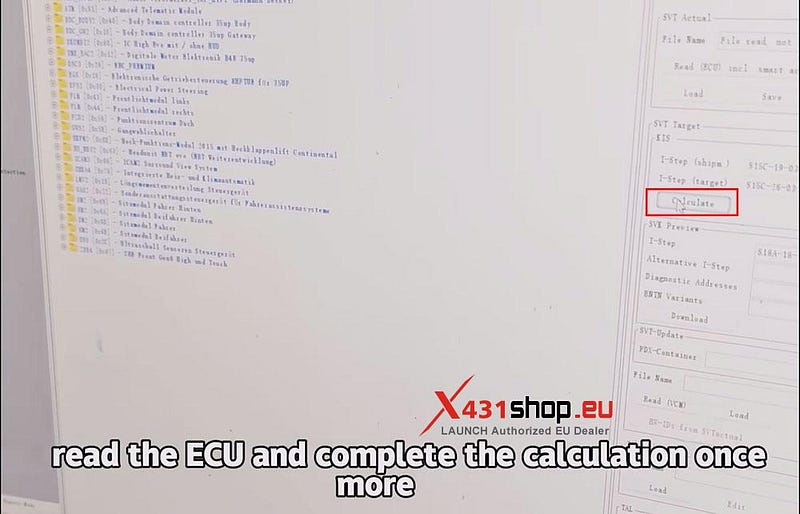
Once the calculation is finished, reconnect to the vehicle, select the model again, read the vehicle order (FA) data, then read the ECU and complete the calculation once more.
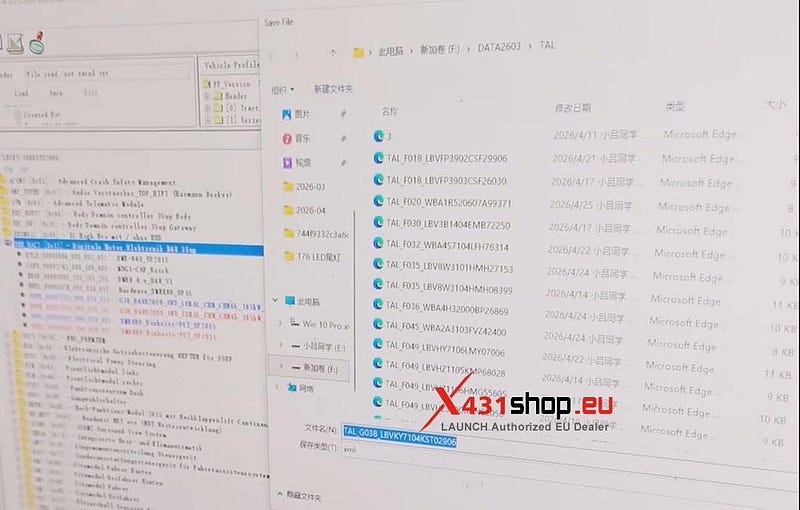
After the calculation is completed, save the data.
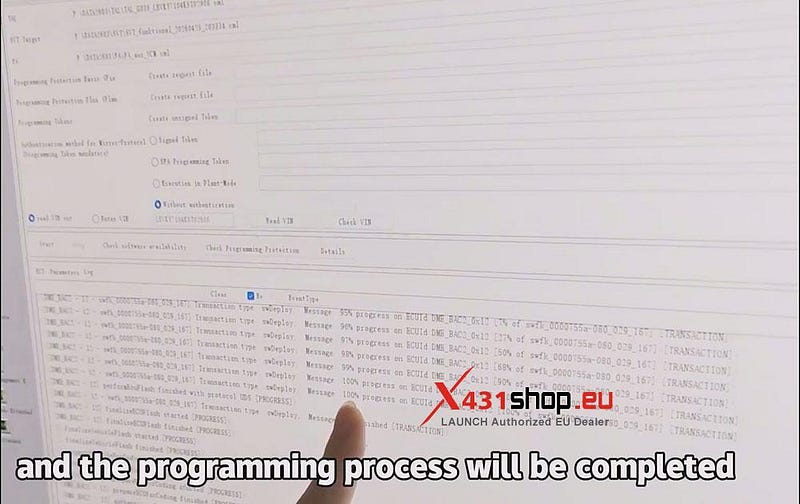
Next, start programming. Wait until the progress bar reaches 100% and the programming process will be completed.
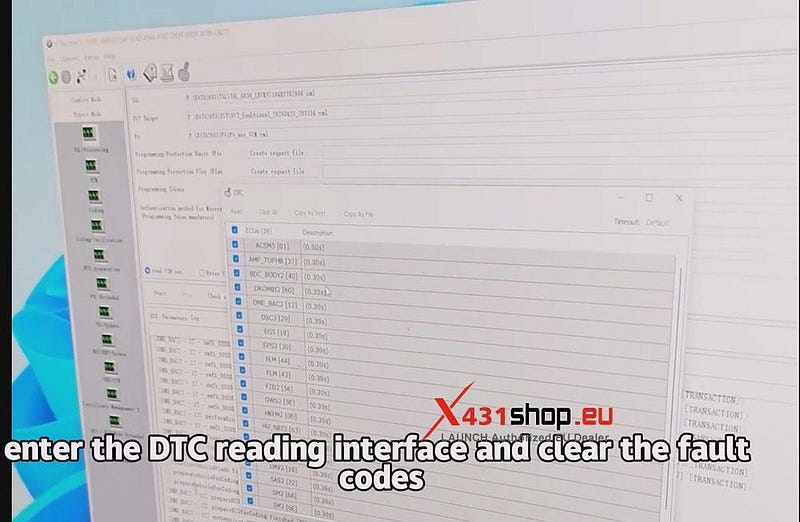
Finally, enter the DTC reading interface and clear the fault codes.


Comments
Post a Comment