LAUNCH X431 V+ HD: Replace 2025 Toyota Hilux Brake Pads
Brake pad replacement on the 2025 Toyota Hilux requires ABS service mode activation through a diagnostic tool. This function is supported across the LAUNCH X431 full range of comprehensive diagnostic tools, and the procedure here is demonstrated using the Launch X431 V+ SmartLink HD.
Connect and Identify Vehicle
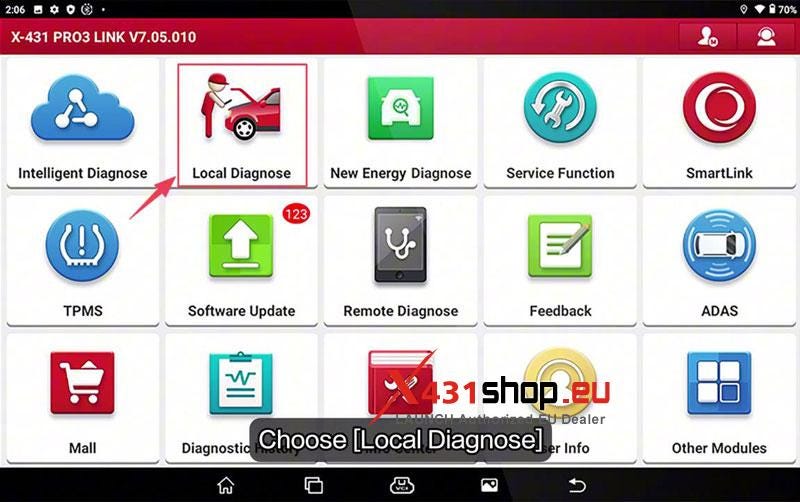
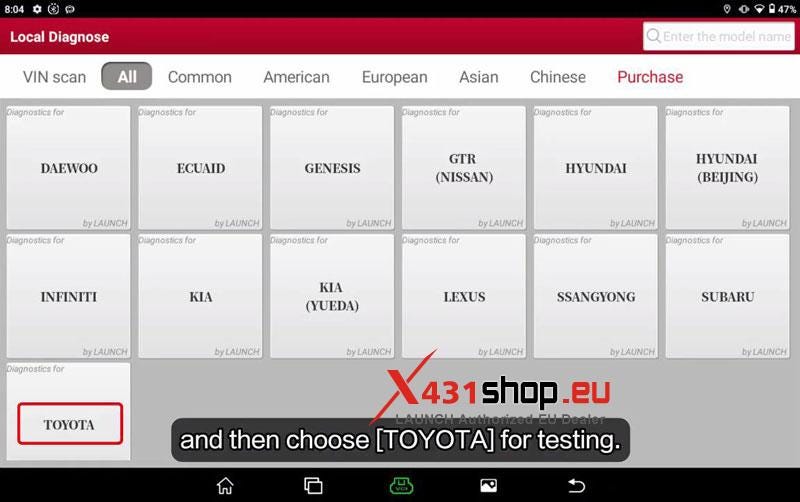
- Connect the diagnostic tool and enter Local Diagnose >> TOYOTA >> OK.
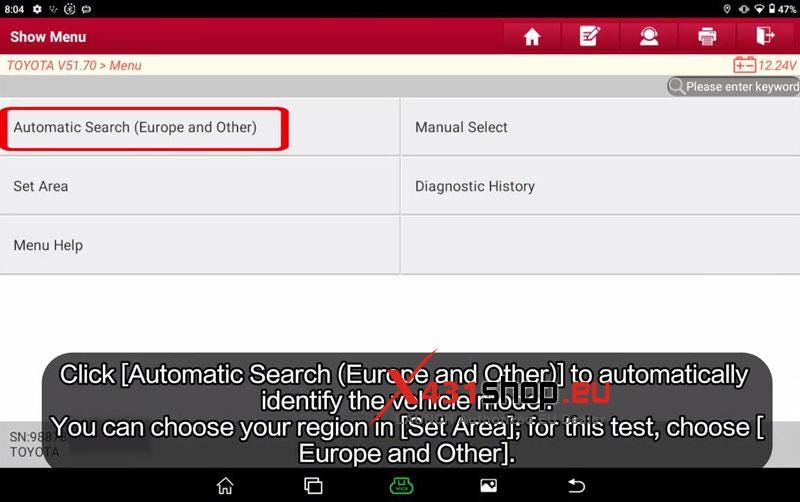
- Select Automatic Search (Europe and Other) >> 2025.01.
*(If you are in another region, select Set Area.)
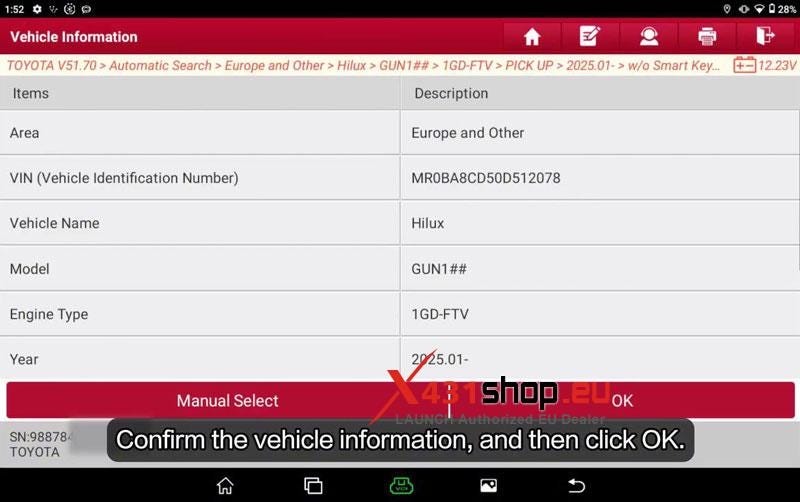
- Confirm vehicle information and tap OK.
Enter Brake Service Function
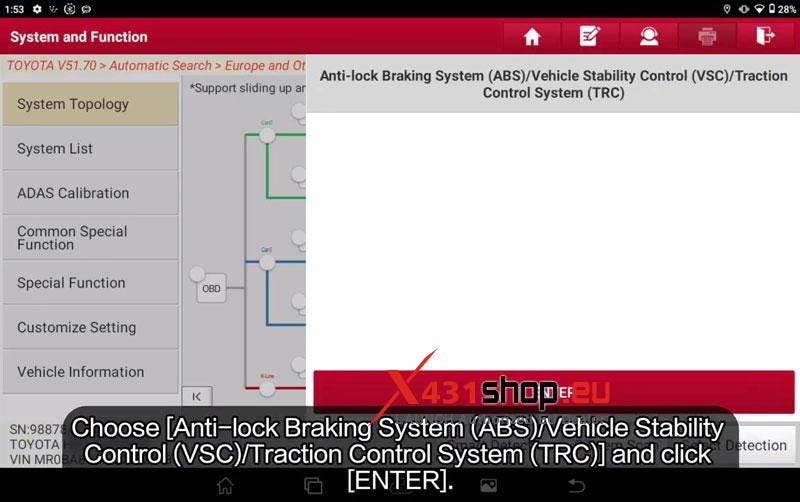
- Go to ABS / VSC / TRC and press ENTER.
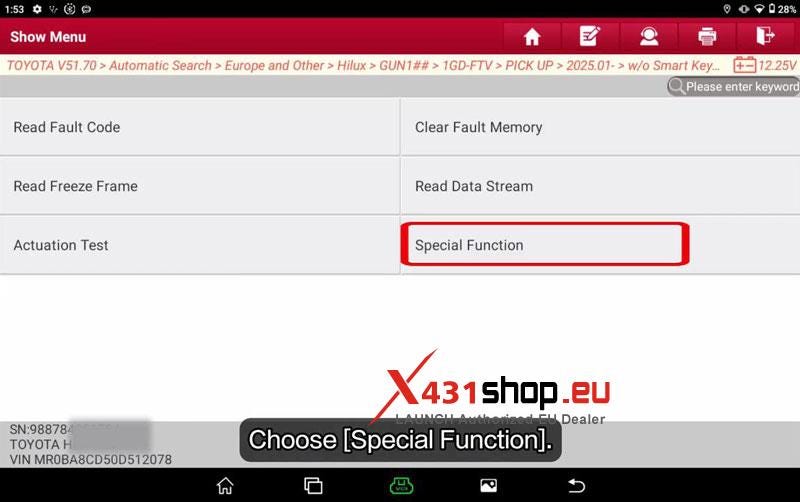
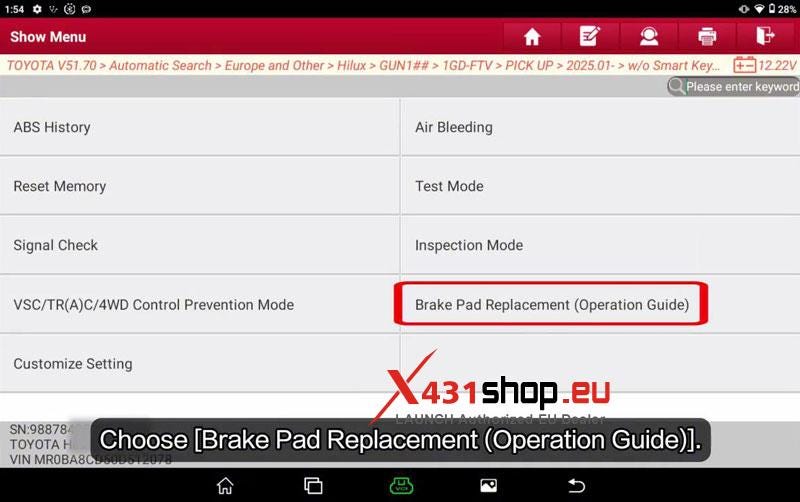
- Enter Special Function >> Brake Pad Replacement (Operation Guide).
Brake Pad Replacement Procedure
Please release the brake!
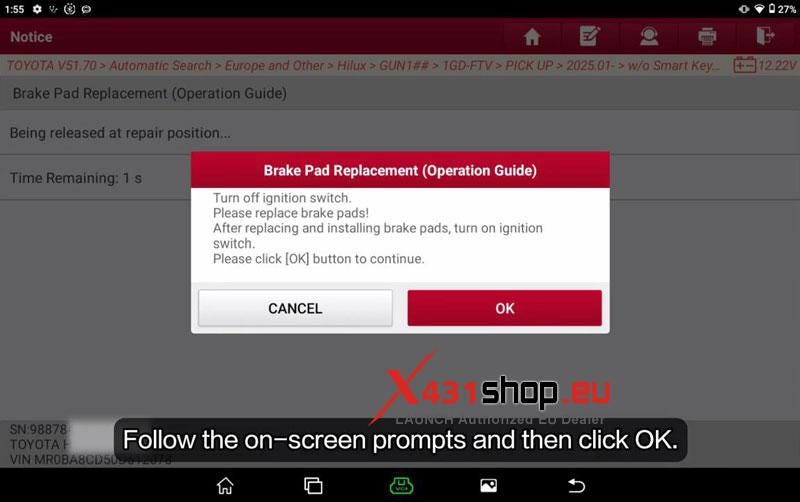
Turn off
ignition switch.
Please replace brake pads!
After replacing and installing
brake pads, turn on ignition switch.
Please click OK to continue.
Please
apply and hold the brake, do not release!
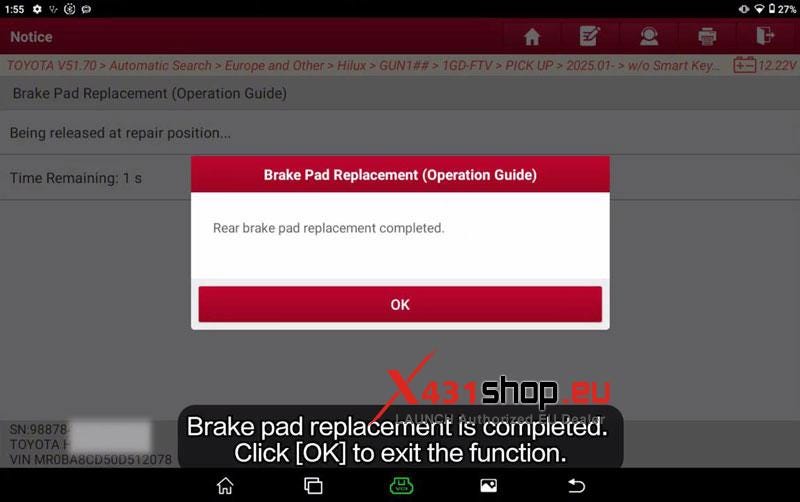
Rear brake pad replacement
completed.
Verification
Start the engine. Brake system operates normally and no abnormal warning remains on cluster.


Comments
Post a Comment