LAUNCH X431 Guide: VAG SFD Multifactor Authentication Setup
Through collaborations with various manufacturers, the LAUNCH X431 diagnostic tool supports access to various vehicle gateways, such as VAG SGW, FCA SGW, Renault SGW, and more.
It is worth noting that recently (May 25, 2026), the Volkswagen Group (VAG) has introduced updated security protocols for accessing and unlocking protected vehicle functions via SFD (Vehicle Diagnostic Protection). To comply with these standards and prevent any service interruptions on Volkswagen, Audi, Skoda, or Seat vehicles etc., Multifactor Authentication (2FA) via Google Authenticator is now MANDATORY.
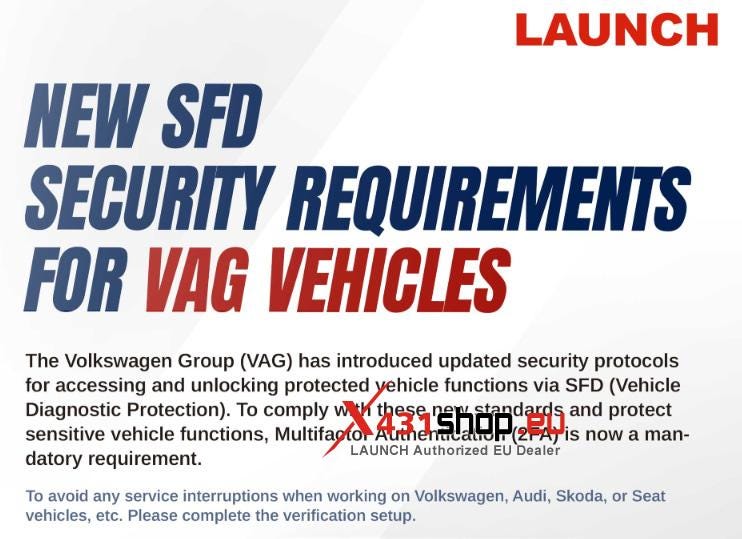
Start Date: May 25, 2026
Affected Systemsand Software: Every LAUNCH X431 diagnostic device used to activate or unlock VAG SFD.
The New Requirement
- A Multifactor-Authentication (2FA) is now mandatory as part of the unlocking process and has been added via Google Authenticator.
- Specifically, a temporary 6-digit verification code must be entered for each SFD unlocking. Access to the ECU is only granted after successful verification.
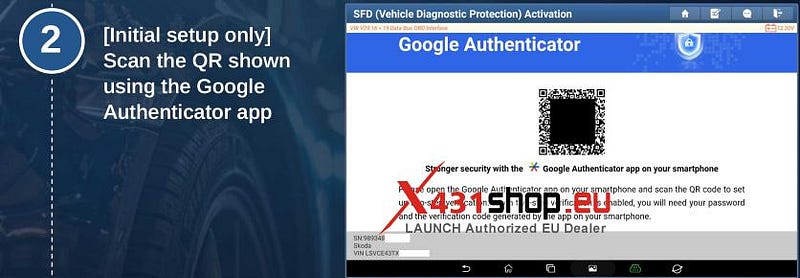
- Users who have not yet linked a device will be required to complete a one-time setup during the unlocking process.
VAG SFD Multifactor Authentication (2FA) Step-by-step Guide
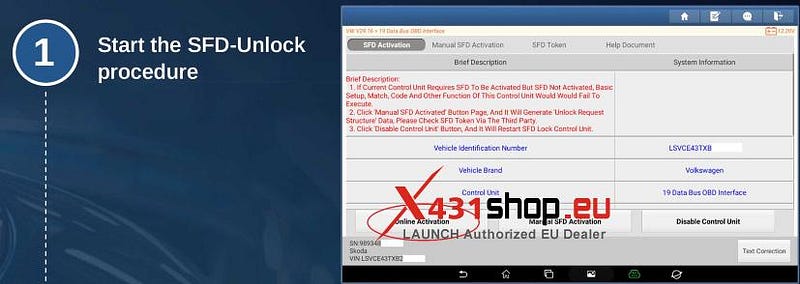
1) Start the SFD-Unlockprocedure
2) [Initial setup only] Scan the QR shown using the Google Authenticator app.
3) The Google Authenticator app shows a generated 6-digit verification code. The code is temporary.
4) Enter the verification code into the device used for the SFD-Activation
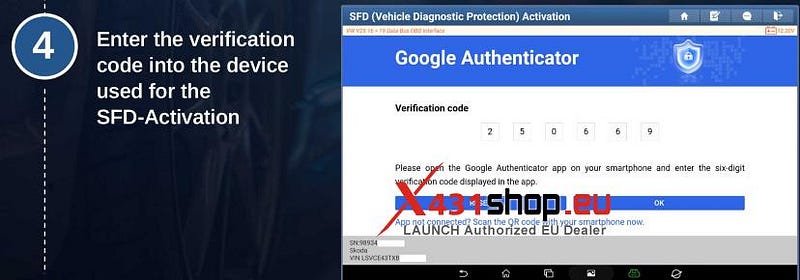
After successful verification, the vehicle diagnostic is unlocked.


Comments
Post a Comment