How to add keys to Porsche Macan using LAUNCH X431 IMMO PLUS
Adding a key to a Porsche Macan using the LAUNCH X431 IMMO PLUS/IMMO ELITE requires using BENCH Mode: wiring to the vehicle’s IMMO module. This article will explain how to do this.
Operating procedures:
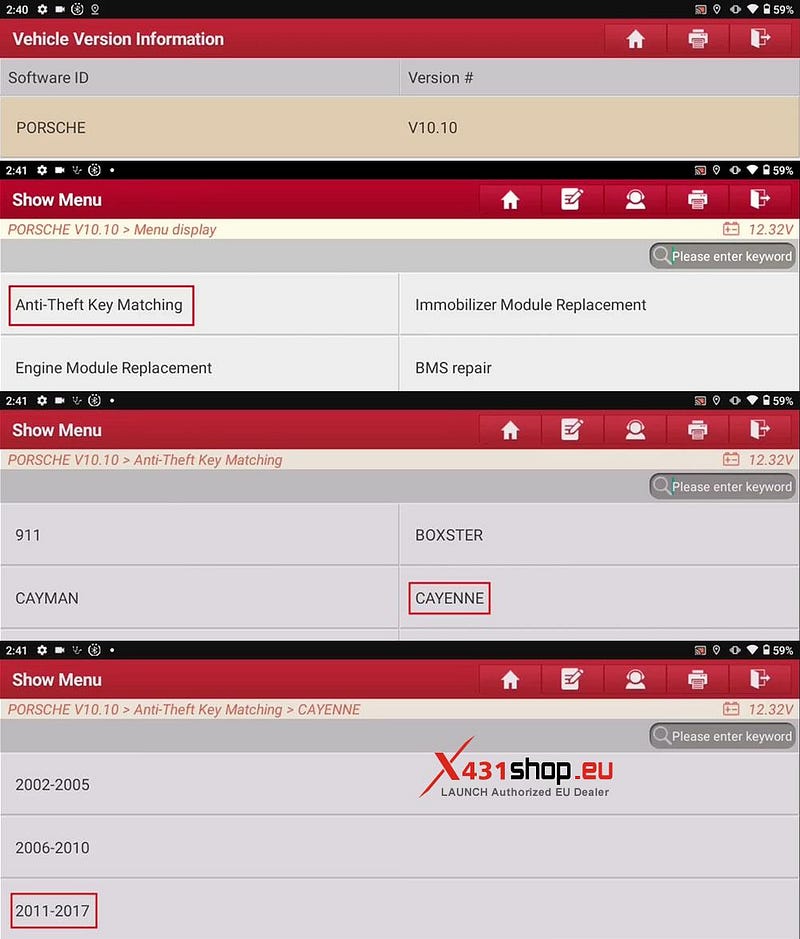
1) On the X431 IMMO PLUS/IMMO ELITE, open the Porsche Design app and select [Anti-Theft Key Matching] -> [CAYENNE] -> [2011–2017].
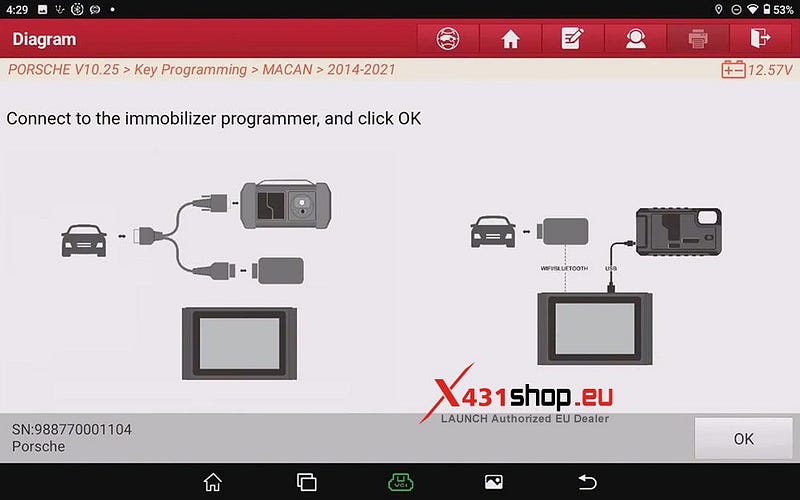
2) Connect to the XPROG3(G3)/ X431 G5, and click OK.
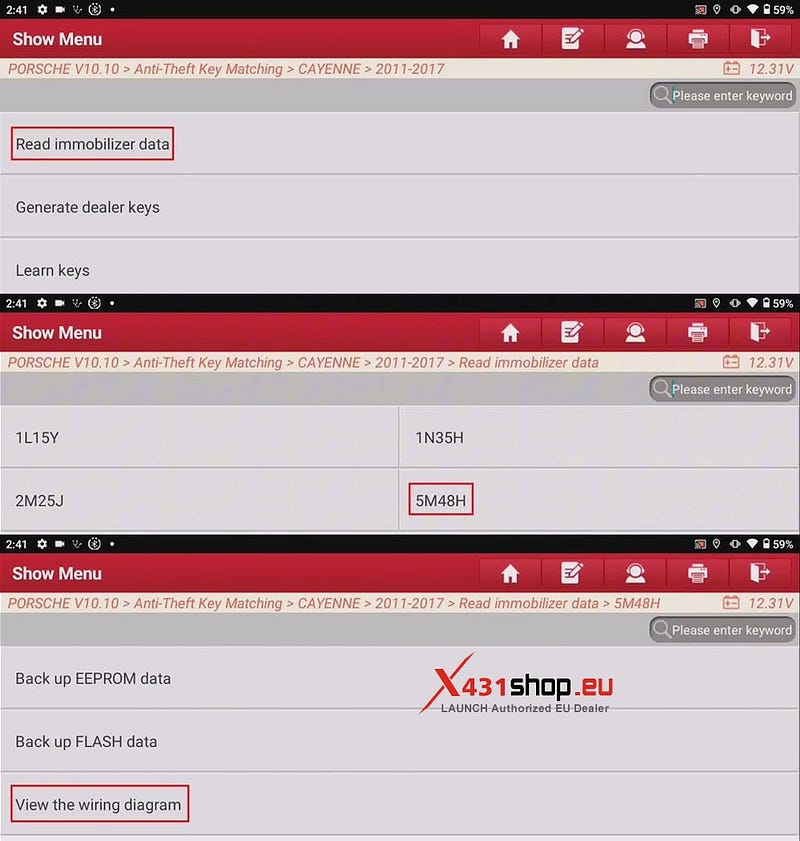
3) Select [Read immobilizer data] -> [5M48H] -> [View the wiring diagram] in sequence..
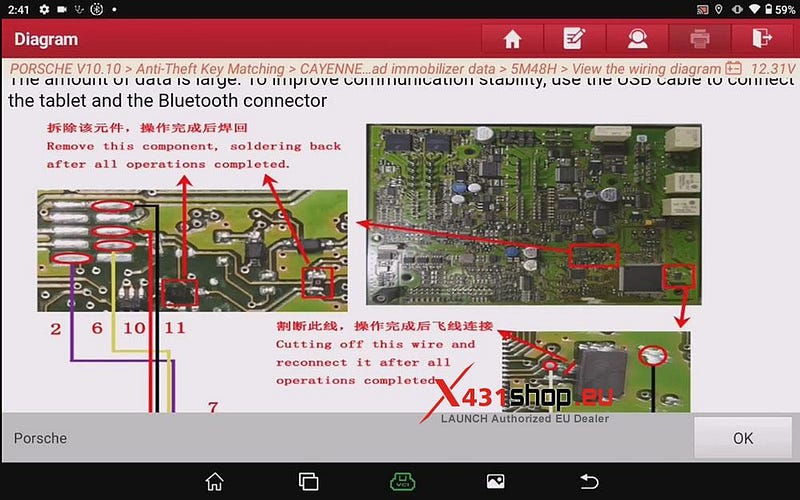
4) Connect the ECU and XPROG3/G5 according to the wiring diagram.
NOTE: The amount of data is large. To improve communication stability, use the USB cable to connect the tablet and the Bluetooth connector.
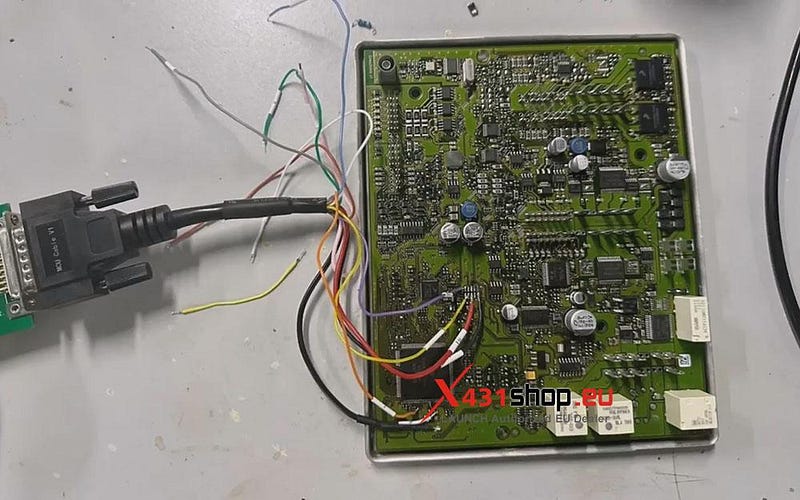
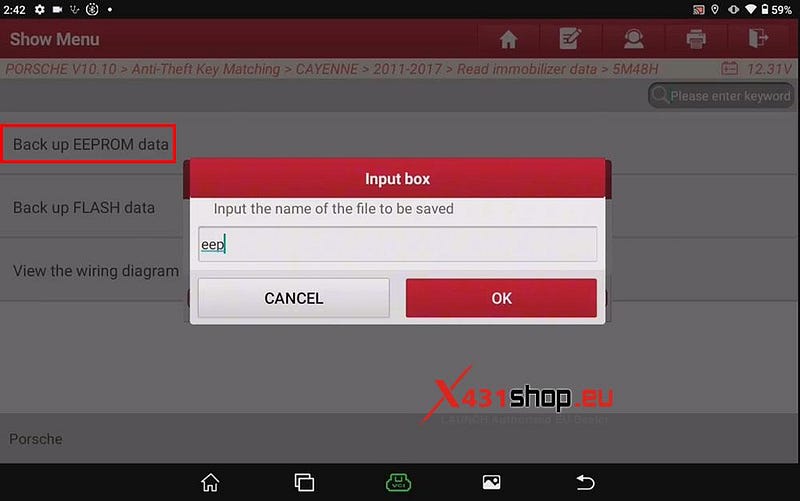
5) After completing the wiring, return to the previous menu, select [Back up EEPROM data], and enter the name of the file to be saved. (The file name for this backup is "eep.bin")
6) Returning to the menu from step 3, this time select [Generate dealer keys]. Place the new key. The prohrammer generates the key for reading the file. (The device in the image is an X431 G5.)
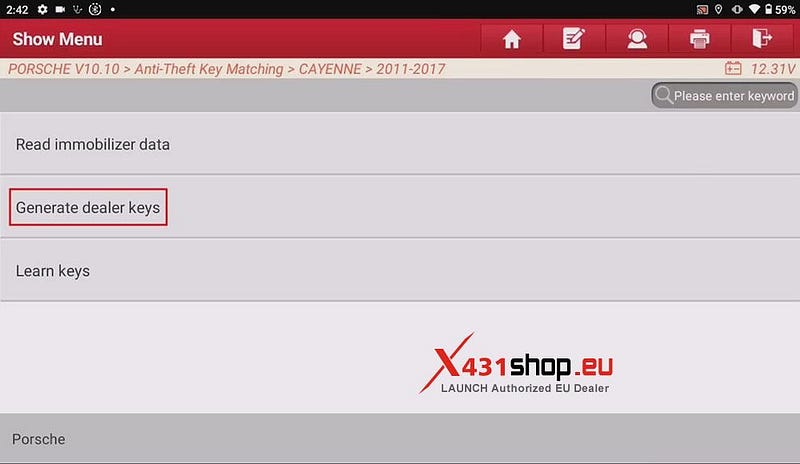
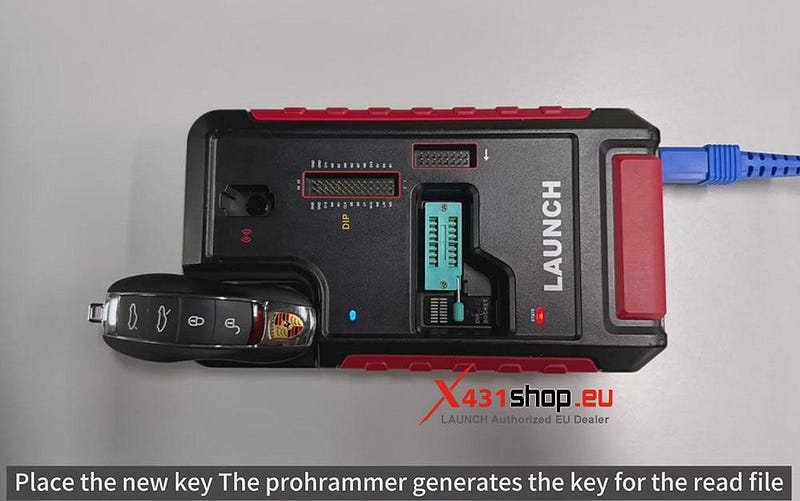
7) Select the EEPROM data of the front-end electronic module.
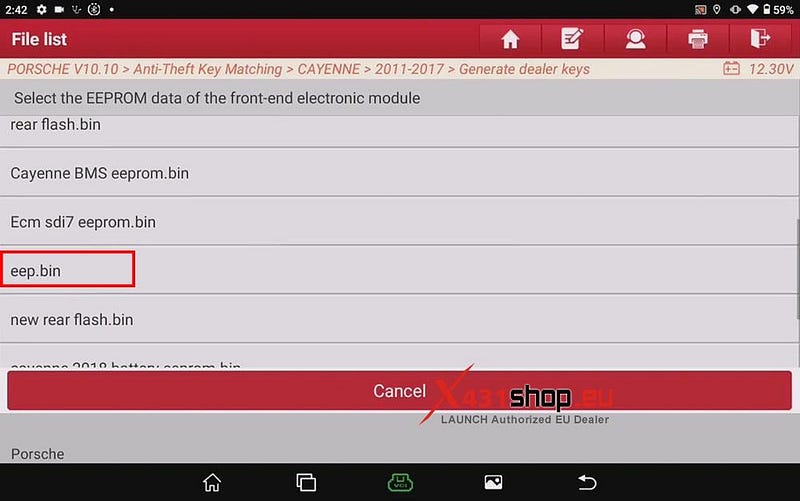
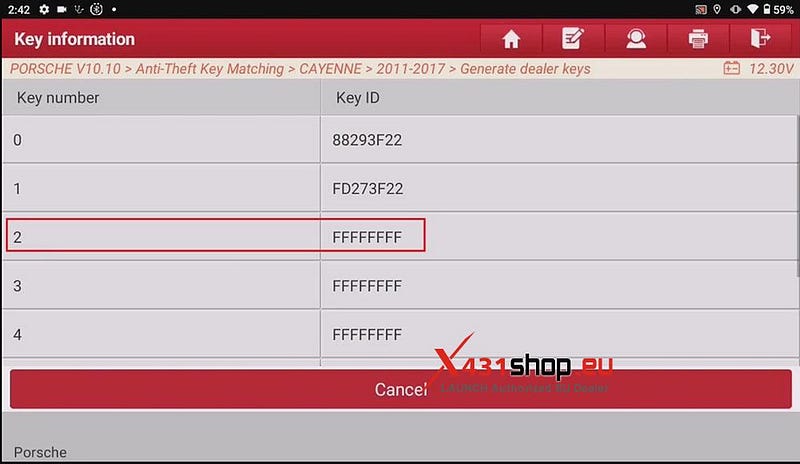
8) Select a location without key generation (remember the key number you selected, for example, 2 in this case). Place a new key into XPROG3/ X431 G5, then click [OK].
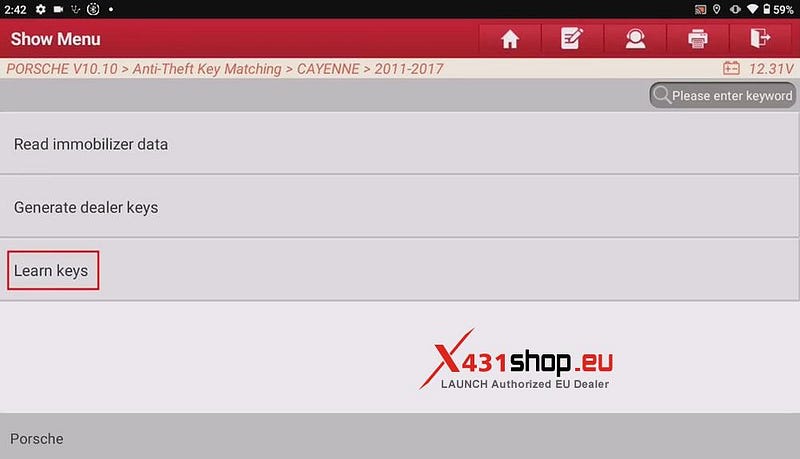
9) Return to the menu from step 3 and click [Learn keys]. All keys, including those of the original car, will be re-matched.
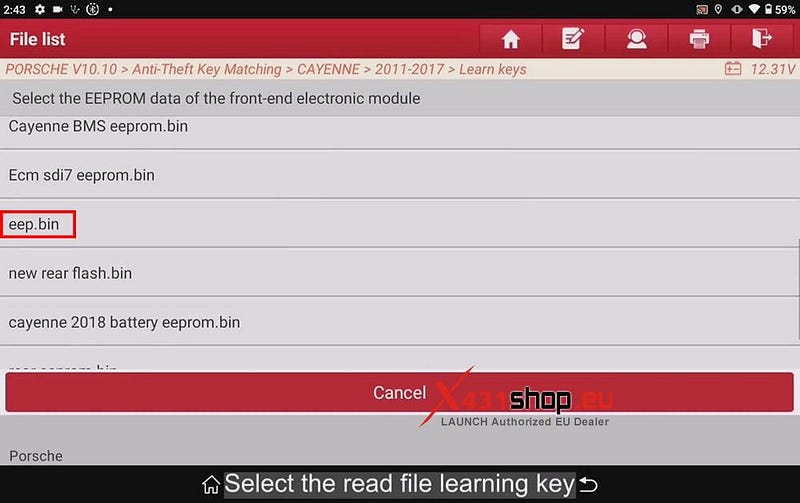
10) Turn on the double-flash lamp. Select the read file learning key.
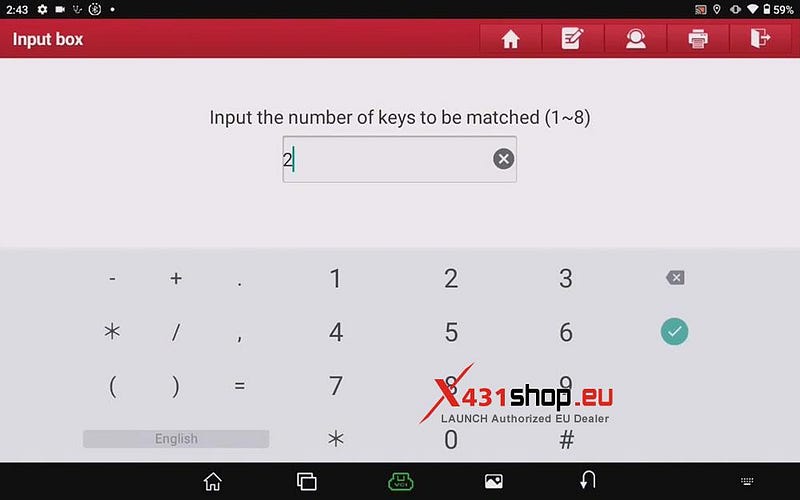
11) Enter the number of keys to be matched. We selected key number 2 in step 8, so we enter "2".
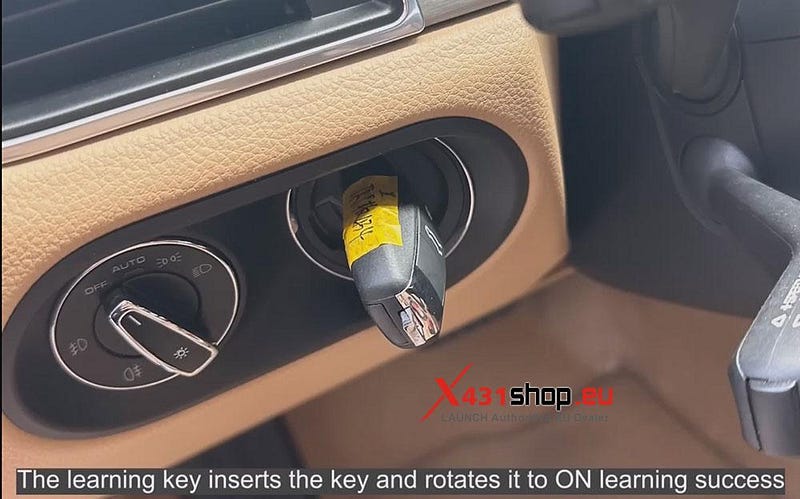
12) Insert the 1 key and turn on the ignition switch. The learning key inserts the key and rotates it to ON learning success.
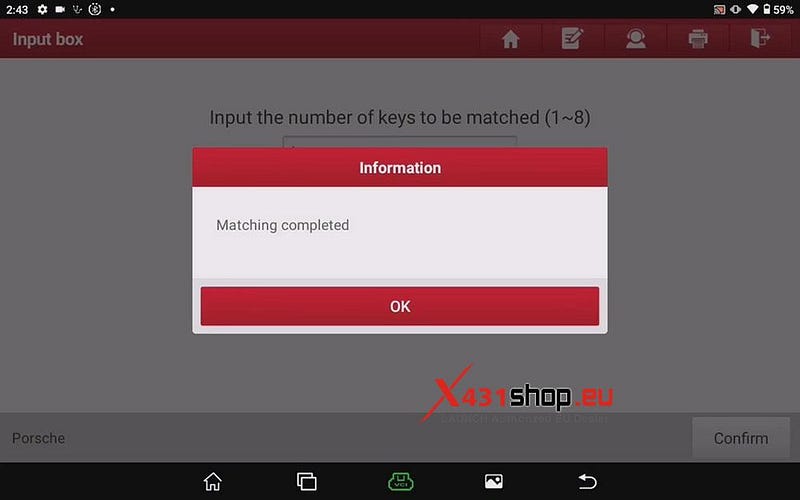
13) Insert the 2 key and turn on the ignition switch. Matching completed.


Comments
Post a Comment