LAUNCH X431 PAD7: Mercedes S-Class W222 Oil Service Reset
Resetting the oil service light on your Mercedes-Benz S 63 AMG W222 is simple with the LAUNCH X431 PAD7. This full-system diagnostic tool makes maintenance easy and keeps your vehicle running smoothly.
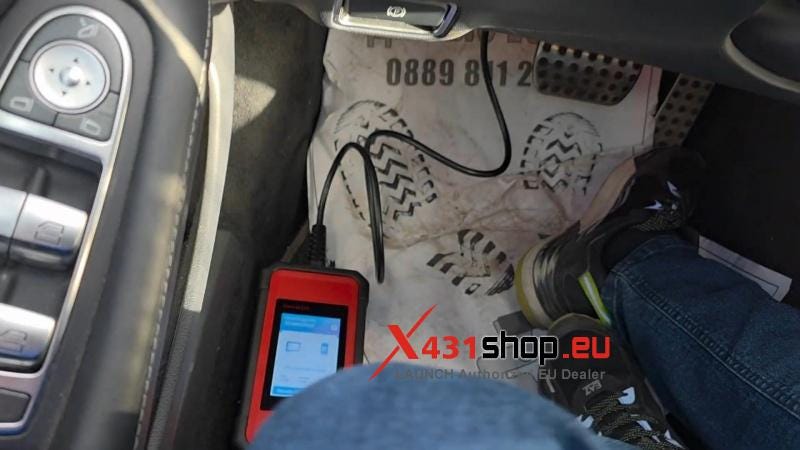
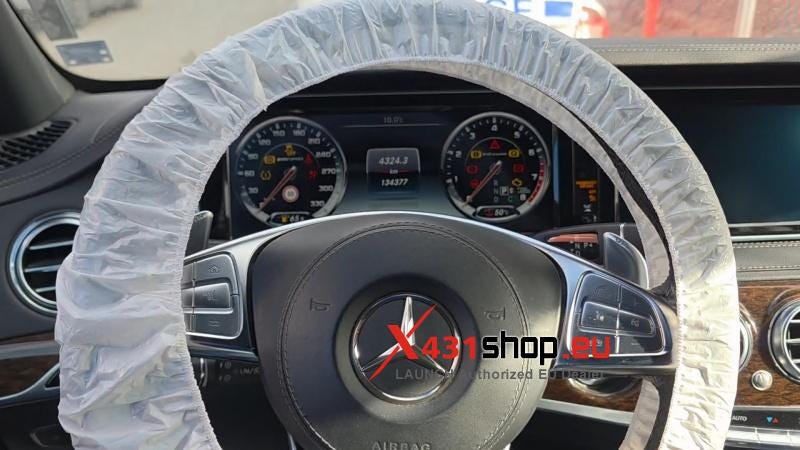
Follow these short steps to reset your oil maintenance reminder:
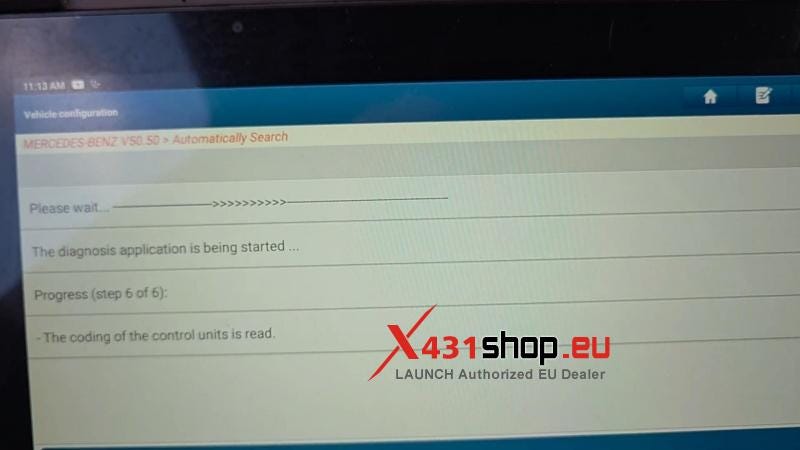
- Local Diagnose >> Mercedes-Benz >> OK >> Automatically Search >> YES.
- Ensure internet is connected and battery voltage is above 13V.
- Press OK and wait for Launch-X431 initialization to reach 100%.
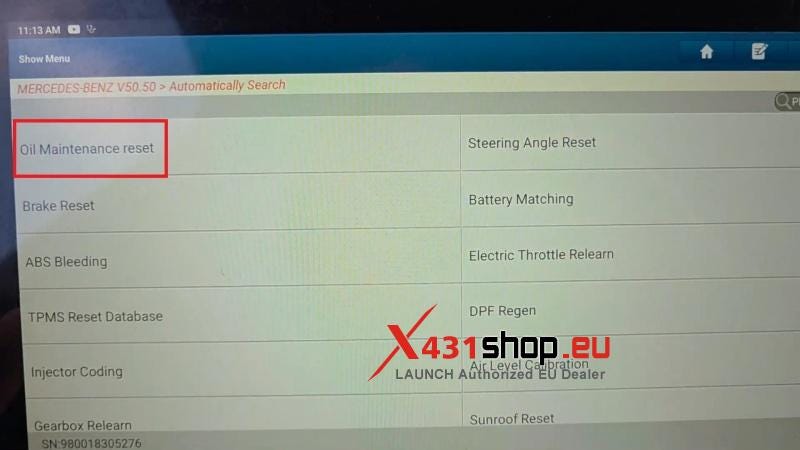
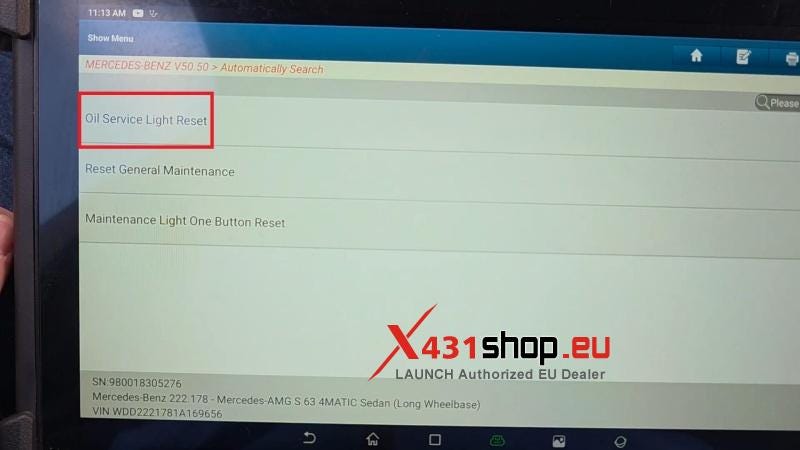
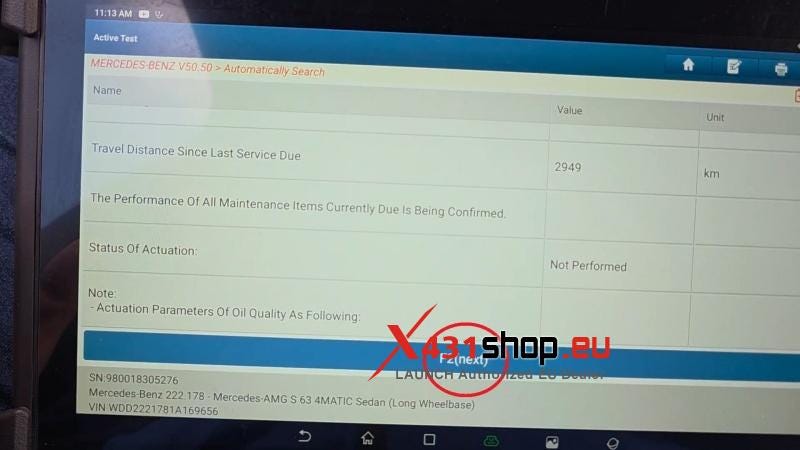
- Common Special Function >> Oil Maintenance Reset >> YES >> IC — Instrument Cluster >> Oil Service Light Reset >> F2(next).
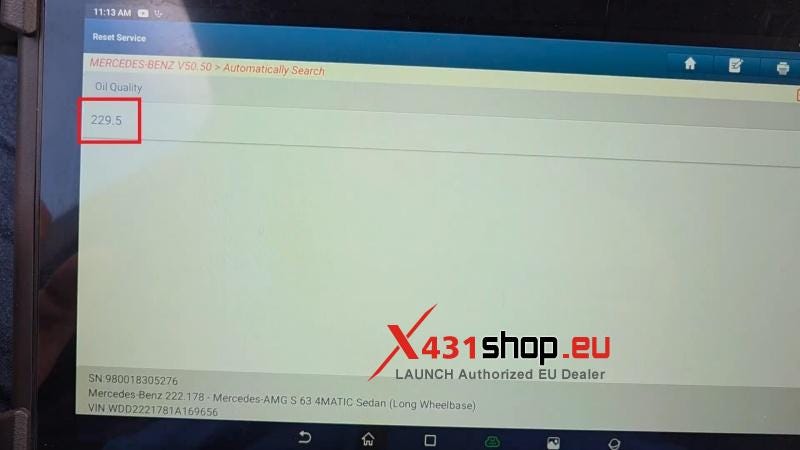
- Select oil spec(e.g.229.5) and confirm.
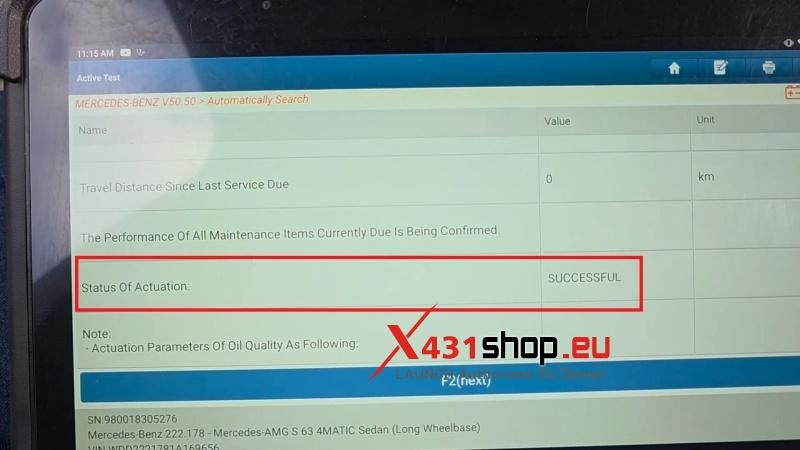
The oil reset have been done successfully.
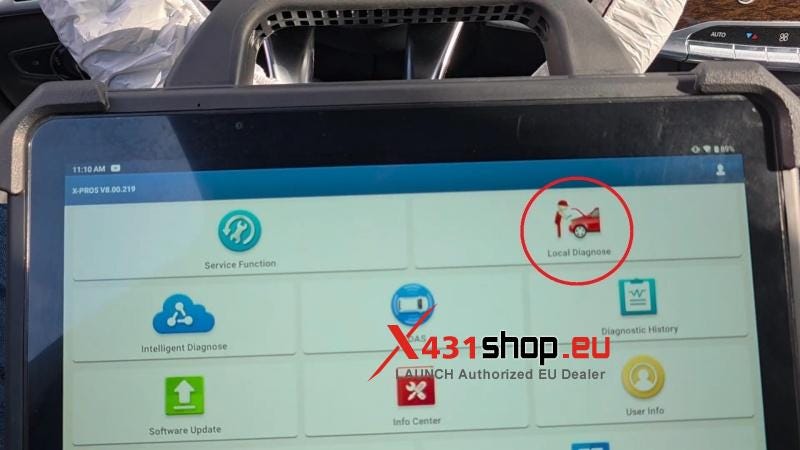
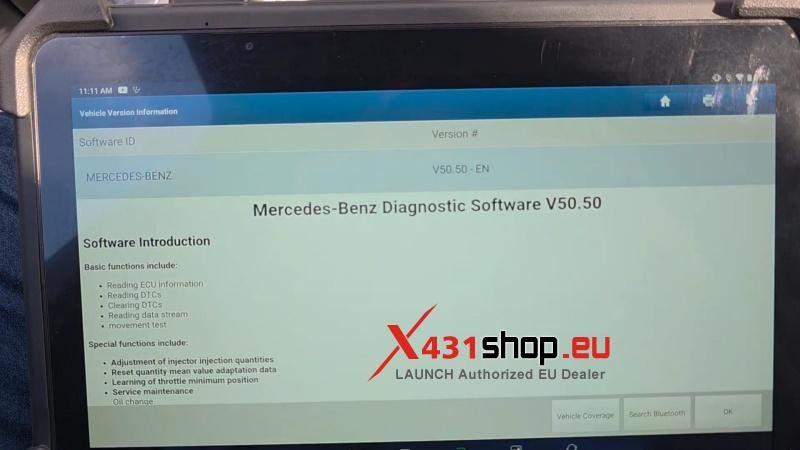
The Launch X431 PAD VII quickly reads systems, performs resets, and supports many functions — all in one compact tool. Reliable, user-friendly, and perfect for professional and home use.


Comments
Post a Comment