Solved LAUNCH CRP909/ CRP919 Firmware Upgrade Error (code:1)
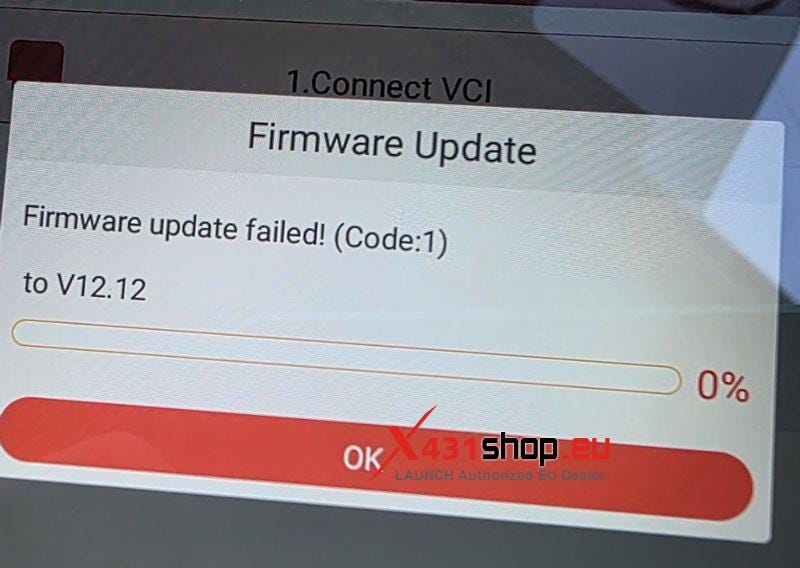
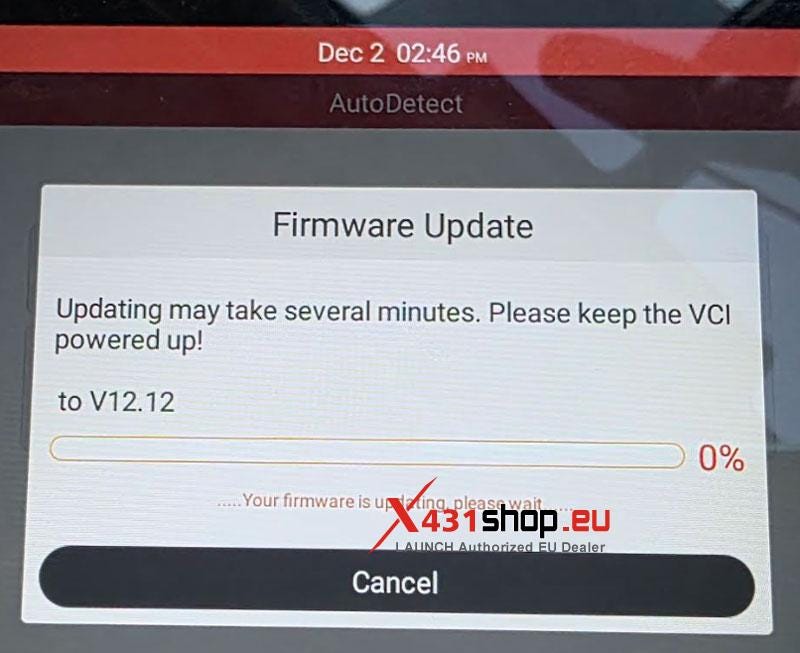
Problem: My LAUNCH CRP909 / CRP919 / CRP919E-BT/ CRP919X-BT is displaying the error "Firmware update failed! (Code:1) to V12.12". How can I resolve this?
Solution:
Re-download the firmware and perform a firmware repair to correct the installation failure.
Step-by-Step Instructions:
Reconnect and Re-download Firmware
Step 1: Ensure the tablet is connected to a stable internet network.
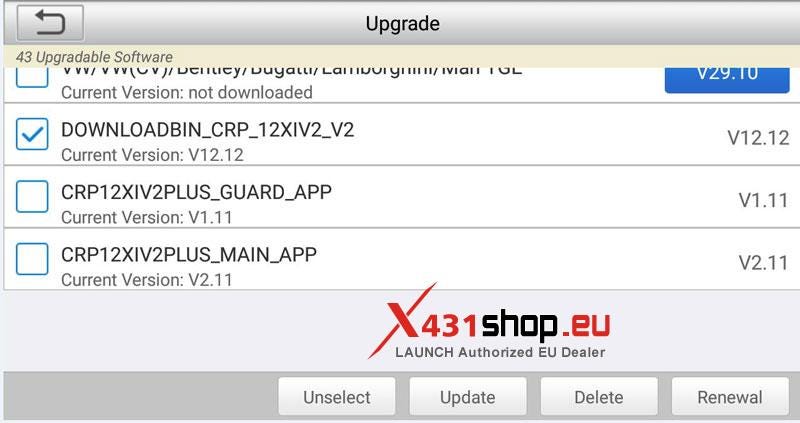
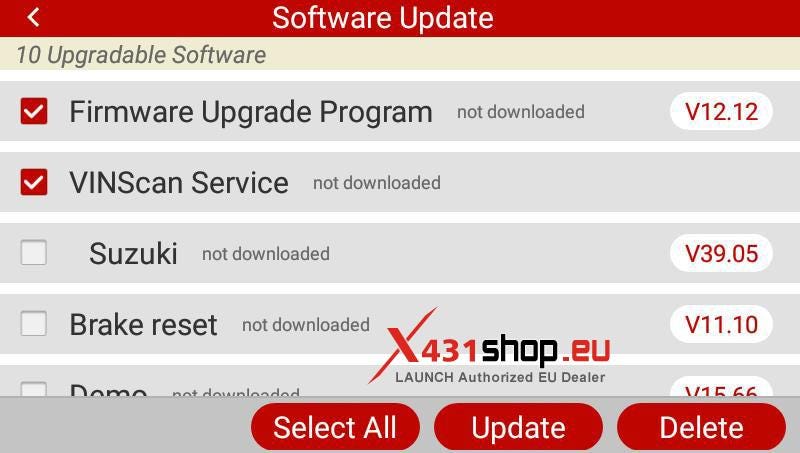
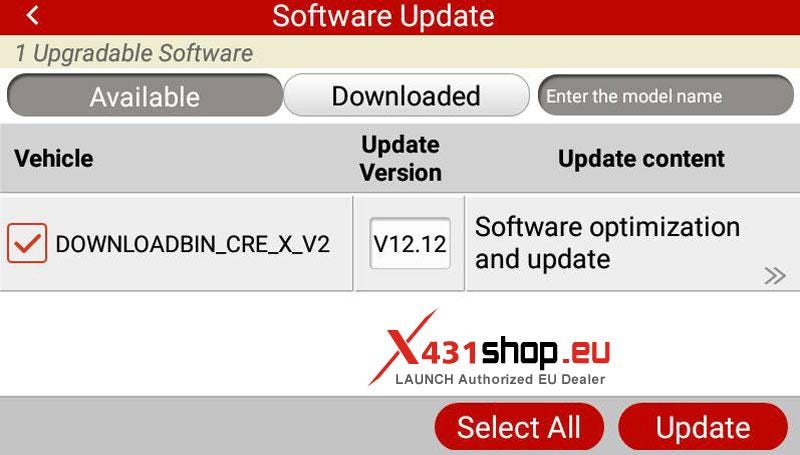
Navigate to Update in the system menu, select the V12.12 firmware package for re-download.
Recommended files include:
- DOWNLOADBIN_CRP_12XIV2_V2 (V12.12)
- DOWNLOADBIN_CRE_X_V2 (V12.12)
- Firmware upgrade (V12.12)
- Firmware upgrade Program (V12.12)
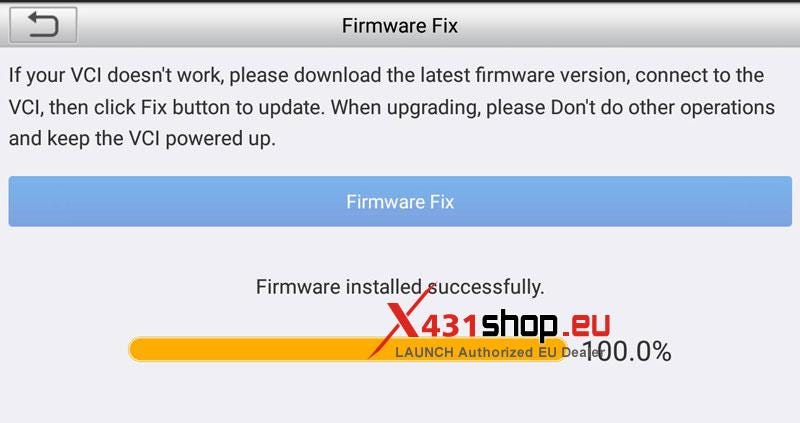
Step 2: Perform Firmware Repair
Return to the main interface and select DATA.
Choose Firmware Fix from the options, and run the Firmware Fix.
Refer to the included interface images for visual guidance throughout the process.

Key Notes
Use a reliable Internet connection to avoid download interruptions.
Ensure the battery is sufficiently charged or the device is plugged in during the update.
If the issue persists, verify network stability and attempt the download again.


Comments
Post a Comment